Quickdraw – My first mobile game

So recently I’ve been working on a game for my IPP module at university, and I may have gone a bit overkill on said game. Our task has been to create a mobile prototype, and I’ve definitely gone over the requirements for said prototype and almost have a publishable game, Quickdraw!

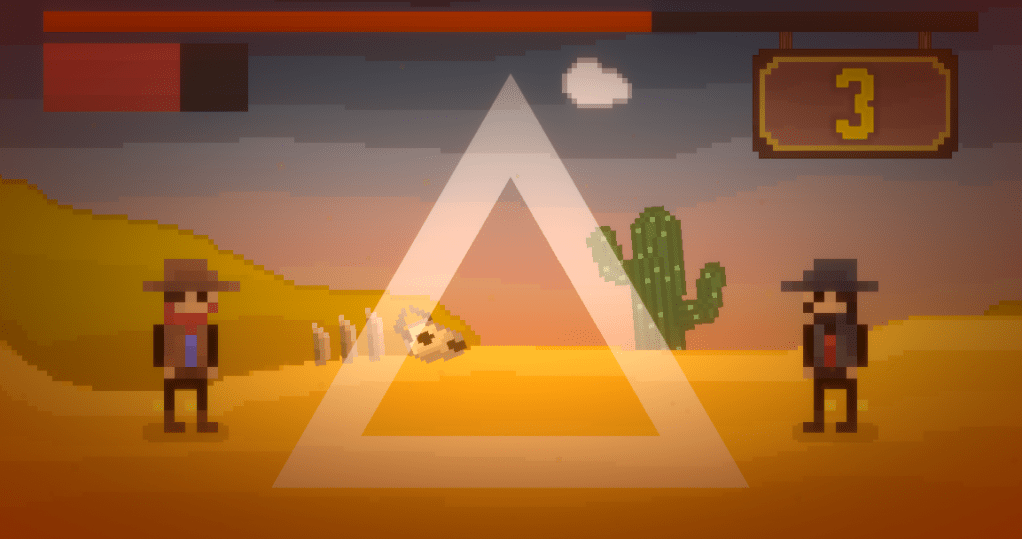
Quickdraw is an android game focused on drawing shapes quickly (as the name would suggest). The player is given a shape, and they have to trace the shape without running out of time. If they trace the shape correctly, they gain a point and get less time for the next shape. If they either trace the shape incorrectly or run out of time, they lose a life. Lose all three lives and it’s game over. Due to the variety of shapes, the game can get quite challenging quite quickly, so to make it easier (and more interesting), I added power-up shapes:

  • The bullet gives the player two points upon completion rather than one.
  • The timer gives more time for the next shape upon completion.
  • The heart gives back a lost life when completed.

Based on the name (Quickdraw), I decided to give the game a western shootout type theme, and I opted for pixel art because, to put it simply, it seemed easier (my art skills are not the best). This game gave me a chance to try and develop my art skills, and I’d say I haven’t done a bad job. And now for a little bit of technical stuff.

The main challenge was trying to find a way to tell if the player had drawn the shape properly. The way I decided to do it was using colliders. Each template is split into multiple colliders, each with a specific tag. All of the player’s paint checks for collisions, specifically with colliders with this tag. If the paint is ever not colliding with those colliders, the player has drawn outside of the shape. This gave me a lose state, but I still needed to check if the player had completed the shape. To do this, I check all of the colliders on the template and see if they are colliding with a paint object. If any of them are not touching a paint object, the template has not been completed, and the game continues.

That was the only really complicated part of this project, all the other issues have been small things with different scripts clashing with each other, for example some particles were getting destroyed earlier than they should resulting in no countdown at the start, and the tumbleweed in the background started breaking the speed of light.

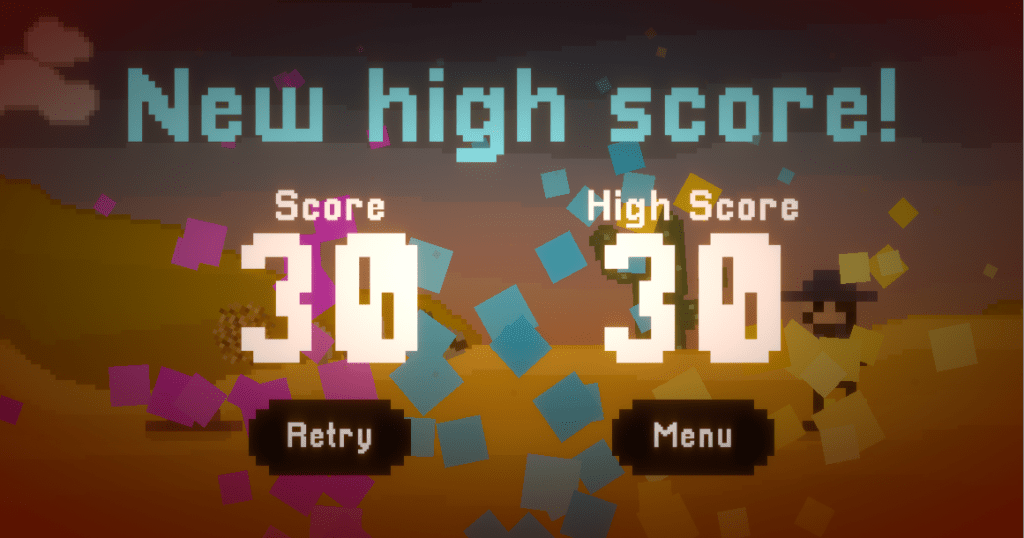
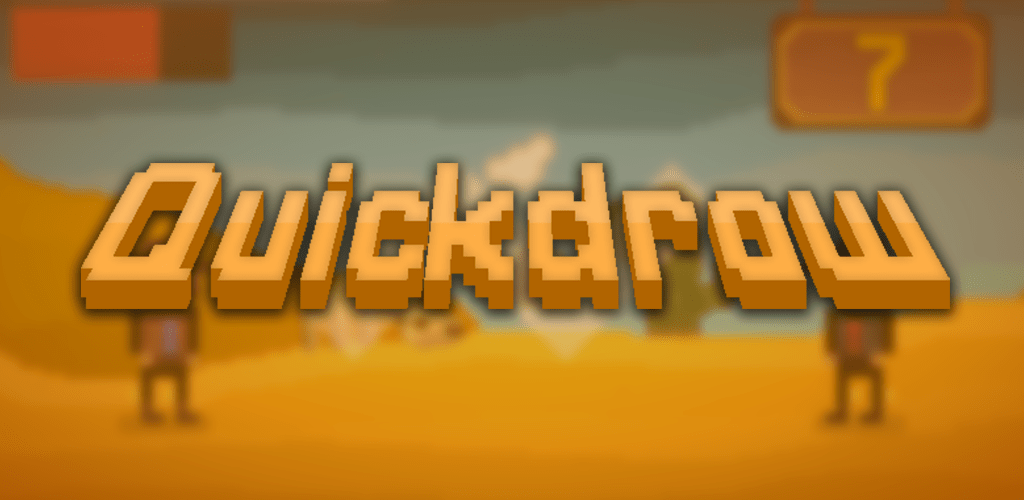
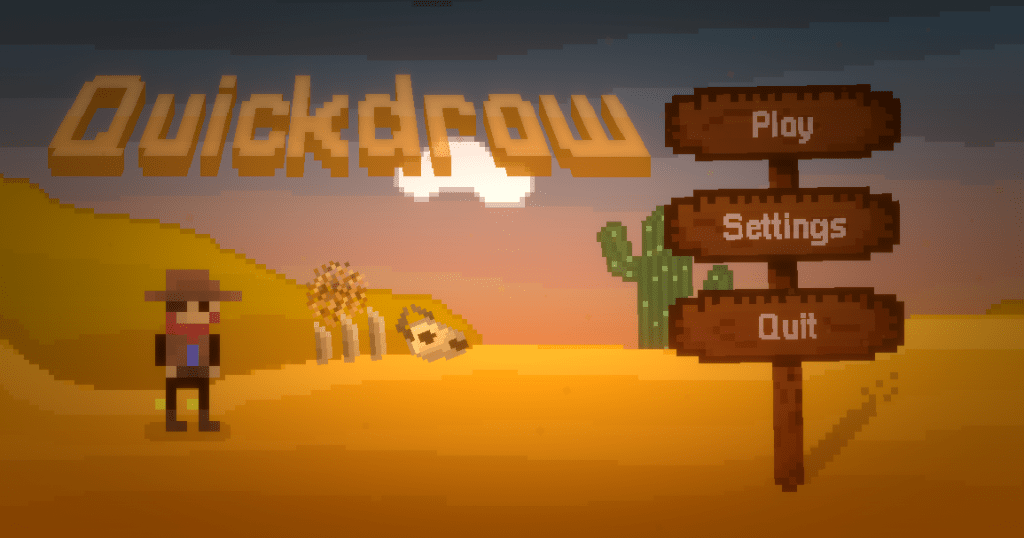
Below are some screenshots of the game, and when it is completely finished, I will post a follow-up post along with the google play link!
Programming Specialism: AI Hitting Moving Targets

As my first programming specialism brief, I decided to stretch myself and go for one of the advanced options on the list; programming an automatic aiming system for projectiles. This particular brief did not require the target to have acceleration (thank GOD because that would’ve made it so much harder), instead my only problem was trying to predict at exactly what point both the target and the projectile could collide.

In this specific example, I will be controlling a player which has a stationary turret constantly shooting projectiles towards it. These calculations are for the projectiles to hit the player.

The first equation used is d (distance) = s (speed) * t (time). Assuming that the projectile and the player will collide, the distance that the projectile travels can be found in terms of t. This can then be used to calculate the player’s position at the same time, t.

Considering two points (X,Y) and (Tx, Ty), you can calculate the distance (D) between them using the equation D² = (X – Tx)² + (Y – Ty)². Using the first equation, we can get D² = s² * t² (by squaring both sides). We can then equate the two equations we have to get:

s² * t² = (X-Tx)² + (Y-Ty)²

As we know the velocity and position of the player, we can calculate the X and Y co-ordinates at time t (calling the velocity (Vx, Vy) and the position (Px, Py)):

X = t * Vx + Px

Y = t * Vy + Py

And now, we can substitute the X and Y values into the previous equation to get a (very long) quadratic equation:

s² * t² = ((t * Vx + Px) – Tx)² + ((t * Vy + Py) – Ty)²

Through expanding and combining like terms, we can re-arrange it into the form ax² + bx + c = 0, where x = t. This will allow us to use the quadratic equation to find t, which we can then use to find the collision position. The equation formed is:

(Vx² +Vy² – s²) * t² + 2* (Vx*(Px – Tx) + Vy*(Py – Ty)) *t + (Py – Ty)² + (Px – Tx)² = 0

Therefore we have:

a = Vx² +Vy² – s²

b = 2* (Vx* (Px – Tx) + Vy * (Py – Ty))

c = (Py – Ty)² + (Px – Tx)²

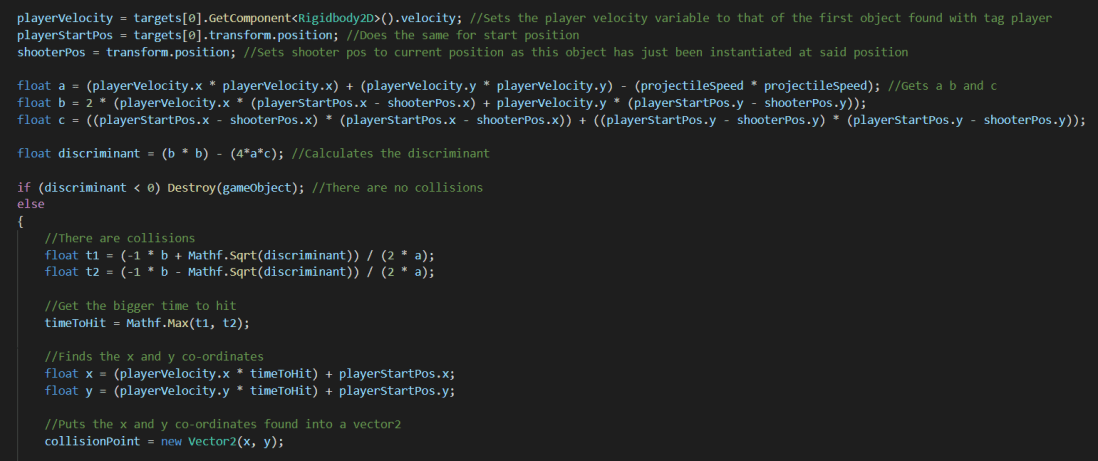
using these, we can see how many (if any) collisions there can be using the discriminant (b² – 4ac). If the discriminant is less than zero there are no collisions. This means we will just ignore this cycle and try again the next time the calculation is run. If it is greater than or equal to zero, there is at least one collision. In this case, we can calculate t using the quadratic formula:

t = (-b ± √(b² – 4ac)) ÷ 2a

Taking the largest value of t, we can then calculate the player’s position at time t, which will be the position that the projectile is able to reach the player at. We can then move the projectile towards said position, and the player will be there at the same time as the projectile. This position can be calculated from the equations mentioned earlier (as we now know all of the unknowns except X and Y:

X = t * Vx + Px

Y = t * Vy + Py

And that’s pretty much it. This was a pretty fun challenge to have a go at, and I’m glad I did because it’s certainly taught me a lot. Hopefully the other briefs are just as interesting.

My first post

Hi, welcome to my blog. I’m a student at LSBU, studying game design and development, primarily as a programmer. Programming has been a large portion of my life up to this point, and I hope for it to keep going that way. I love programming for that element of problem solving, and the feeling when you figure it out feels amazing.

I hope to keep posting to this blog so that in the future I can see the development I’ve made as a programmer and a game designer.